How to Convert PDF to WPS?
Kingsoft Writer created WPS format which is a word document processor that is part of the Kingsoft Writer Software formats. You may be looking for a converter to help you convert PDF files to WPS. Deli PDF Converter has the tool to convert them for you. Just follow with the tutorial below and you will learn how to convert PDF to WPS easily.
Remember to download the software from the official website to enjoy all the PDF tools safe and secure!
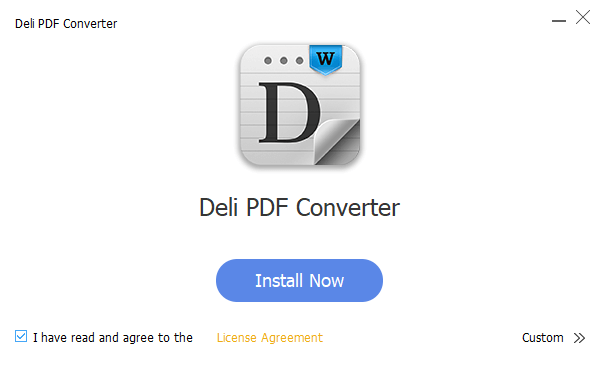
Steps to Converter PDF to WPS
Step 1. After installation, launch the software.
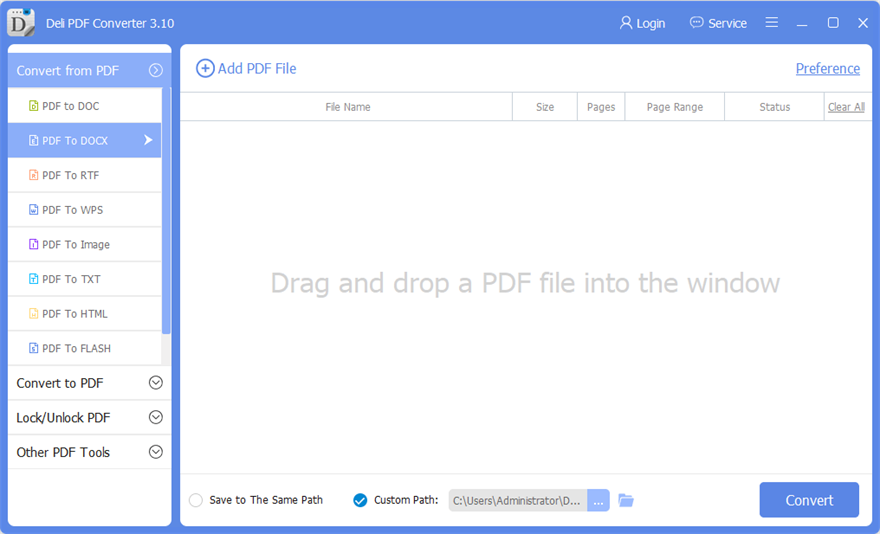
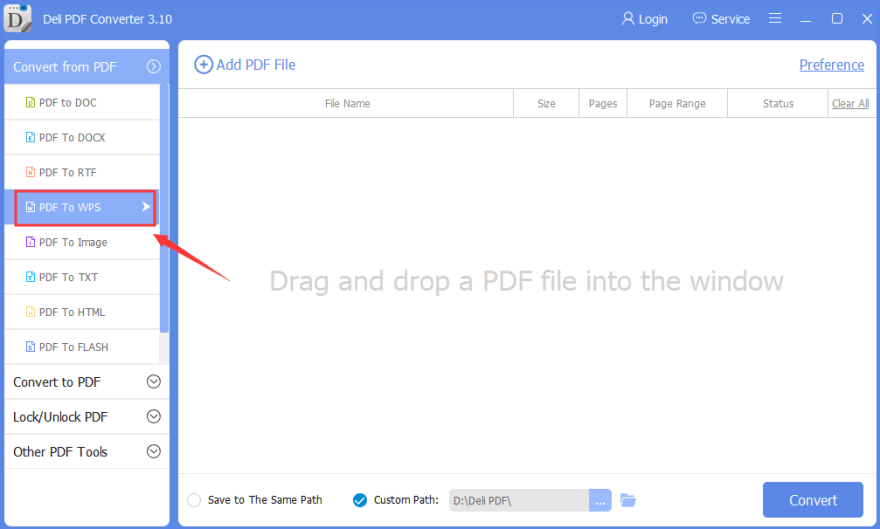
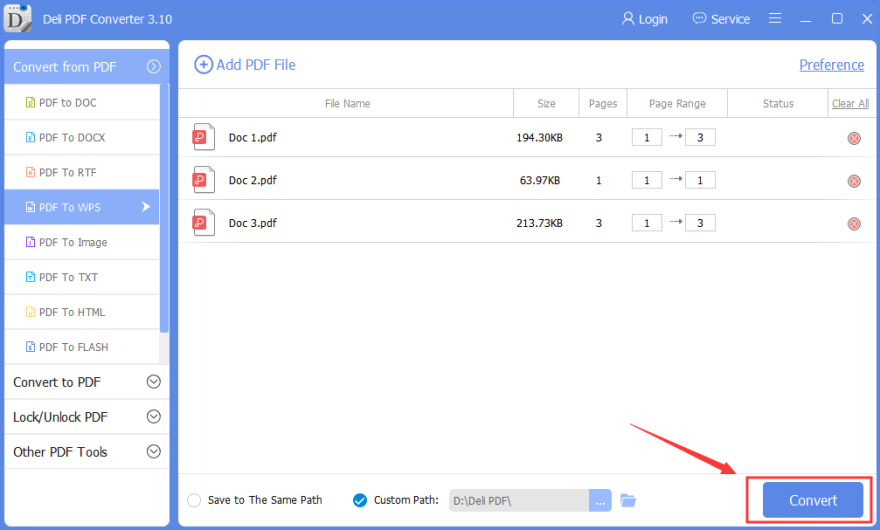
Step 2. At the main interface, choose “Convert from PDF” and “PDF to WPS.”
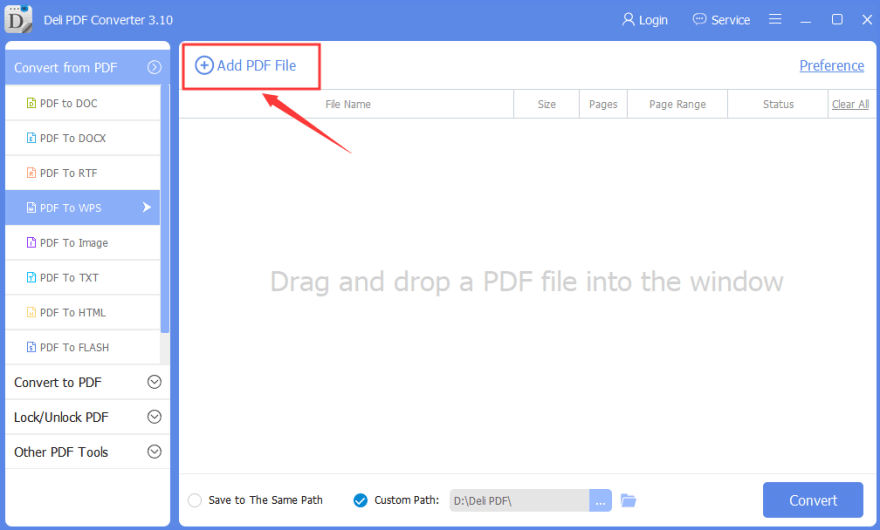
Step 3. Then, click “Add PDF File” to add in the PDF files that you want to convert.
Step 4. After adding files, click “Convert” to start conversion.
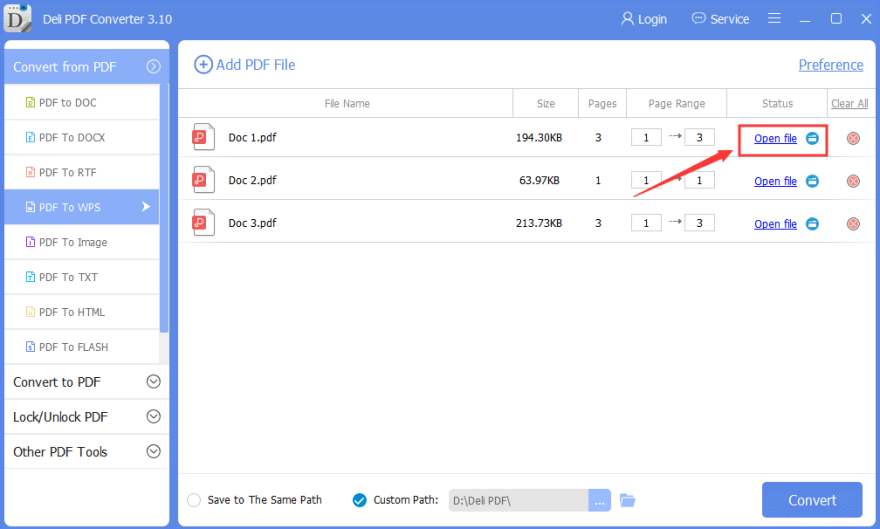
Step 5. Give some a few seconds for the PDF files to complete the conversion. Finally, you can click “Open Files” to open and preview the WPS format files.
Please refer here for more about PDF Converter.


评论
发表评论