Fix SD Card Not Showing Files in PC
Summary
Sometimes, we may encounter SD cards not showing files in PC issues, files such as the photos, documents, video, audio, etc are not shown. Where do the files go on the SD card? How to fix the SD card not showing files issue without losing data? This article will give you an answer.
The SD card becomes the most popular digital storage medium in the world, and there are many known and powerful brands, such as SanDisk, Samsung, Kingston, Sony, Lexar, Transcend, PNY, Komputerbay who manufactures the SD with phenomenal Read and write speed. Everybody loves to use the SD card on the mobile phone, digital camera & camcorder;
However, many SD card not showing files in PC errors that can be found in Quora or Yahoo Answers community as listed below:
However, many SD card not showing files in PC errors that can be found in Quora or Yahoo Answers community as listed below:
1. Pictures on SD card not showing on camera & computer
2. Videos on SD card not showing on the computer
3. SD card files not showing in the gallery
4. Pictures on sd card not showing on mac
Actually, the above errors are the same, the SD card could be detected by computer but found no files shown up. Which means, the SD card is not accessible, and what about precious data on the SD card that we cannot lose and surely need to get them back?
2. Videos on SD card not showing on the computer
3. SD card files not showing in the gallery
4. Pictures on sd card not showing on mac
Actually, the above errors are the same, the SD card could be detected by computer but found no files shown up. Which means, the SD card is not accessible, and what about precious data on the SD card that we cannot lose and surely need to get them back?
Ways to get back the files on SD card
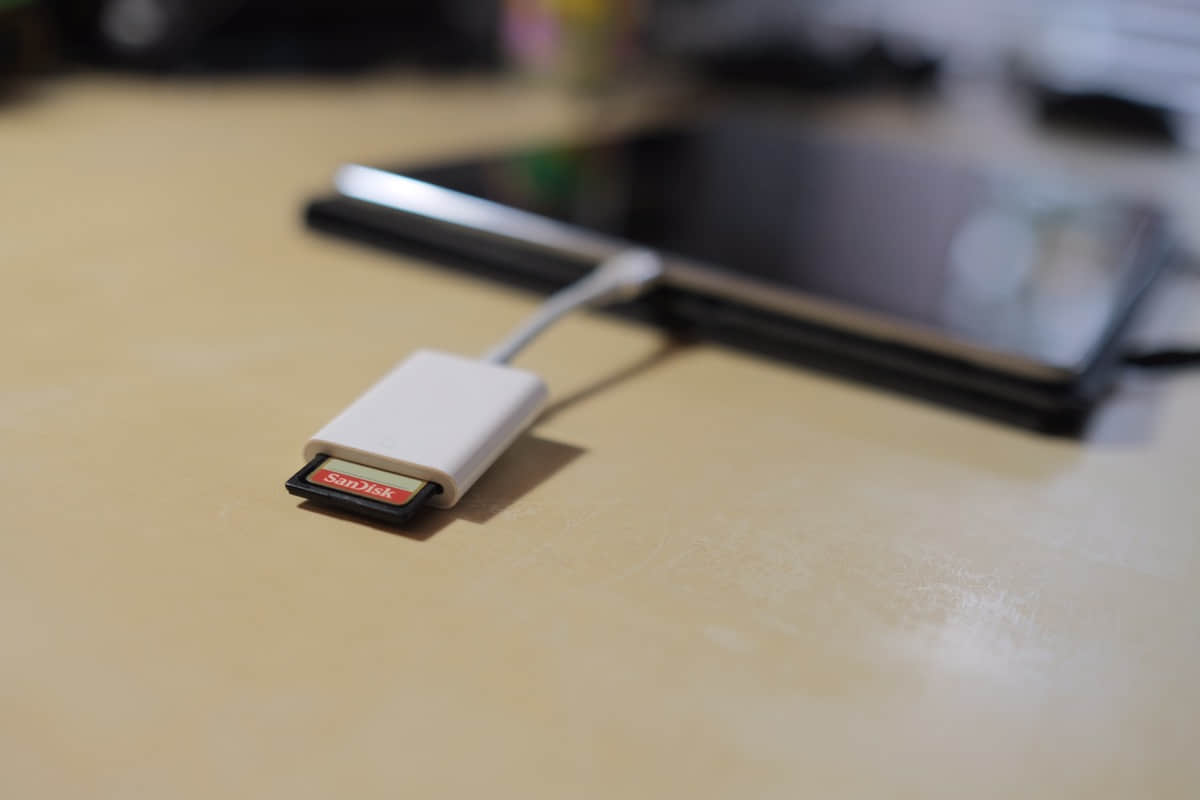
Method 1. Change New SD card reader and then reconnect with the PC.
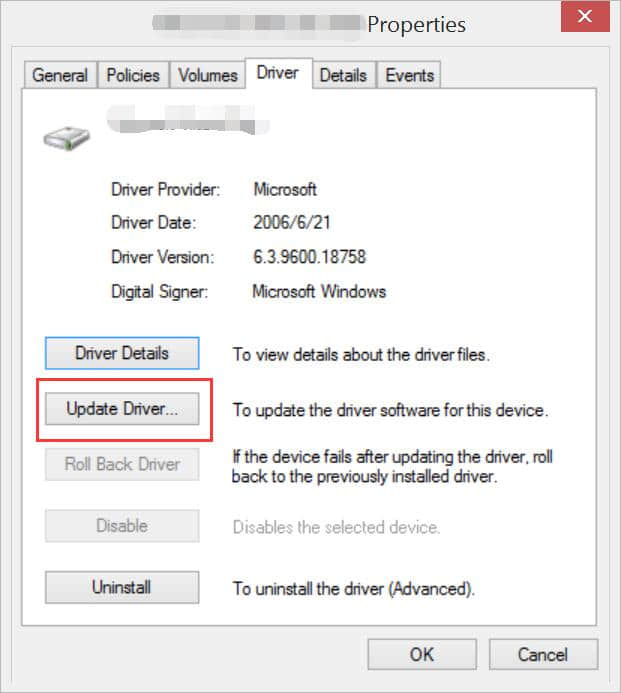
Method 2. Update SD Card reader driver
Method 3. Check SD card is under reading & Write protection or not.
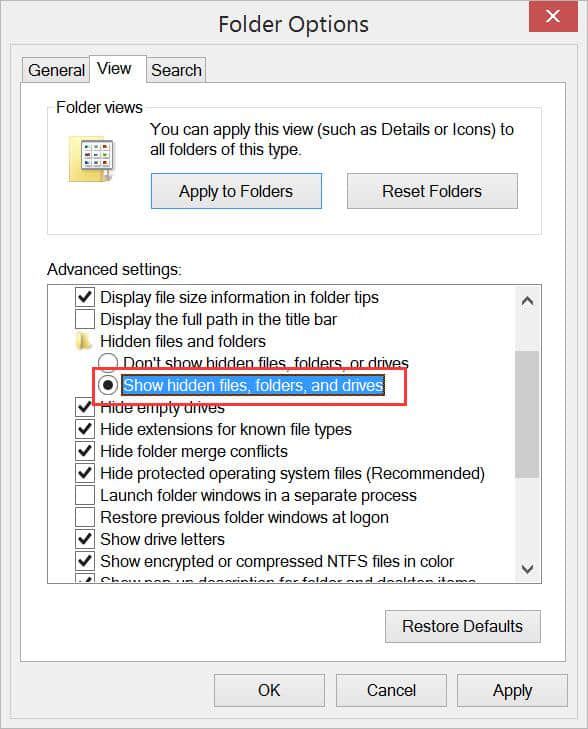
Method 4. Enable the Hidden Files on the SD card.
If the above actions failed to find the files back, please aware that it is most important to restore data from the SD card first to get files back instead of performing some technical operations on the card.
Note: Formatting, disk management operations may cause data loss and you will lose data on the SD card forever! You can retrieve the data first and then fix the SD card faults.
Note: Formatting, disk management operations may cause data loss and you will lose data on the SD card forever! You can retrieve the data first and then fix the SD card faults.
How to Fix SD Card Not Showing Files in PC with Bitwar Data Recovery
If the computer can detect your SD card, please download the trustworthy recovery software -- Bitwar Data Recovery and then install the software on your computer! Launch the software to scan the data on your SD card and with such free data recovery software, you can easily restore data on the SD card with simple 3 steps while you are having SD card now showing files in PC issue.
Read more? Please refer to:


评论
发表评论